 NERDICATE
What Actually Happens When You Connect to a VPN?
A VPN does not make you invisible online. It creates an encrypted tunnel between your device and a VPN server, hides your IP address from websites, and shifts trust from your ISP to the VPN provider. Here is what changes — and what does not.
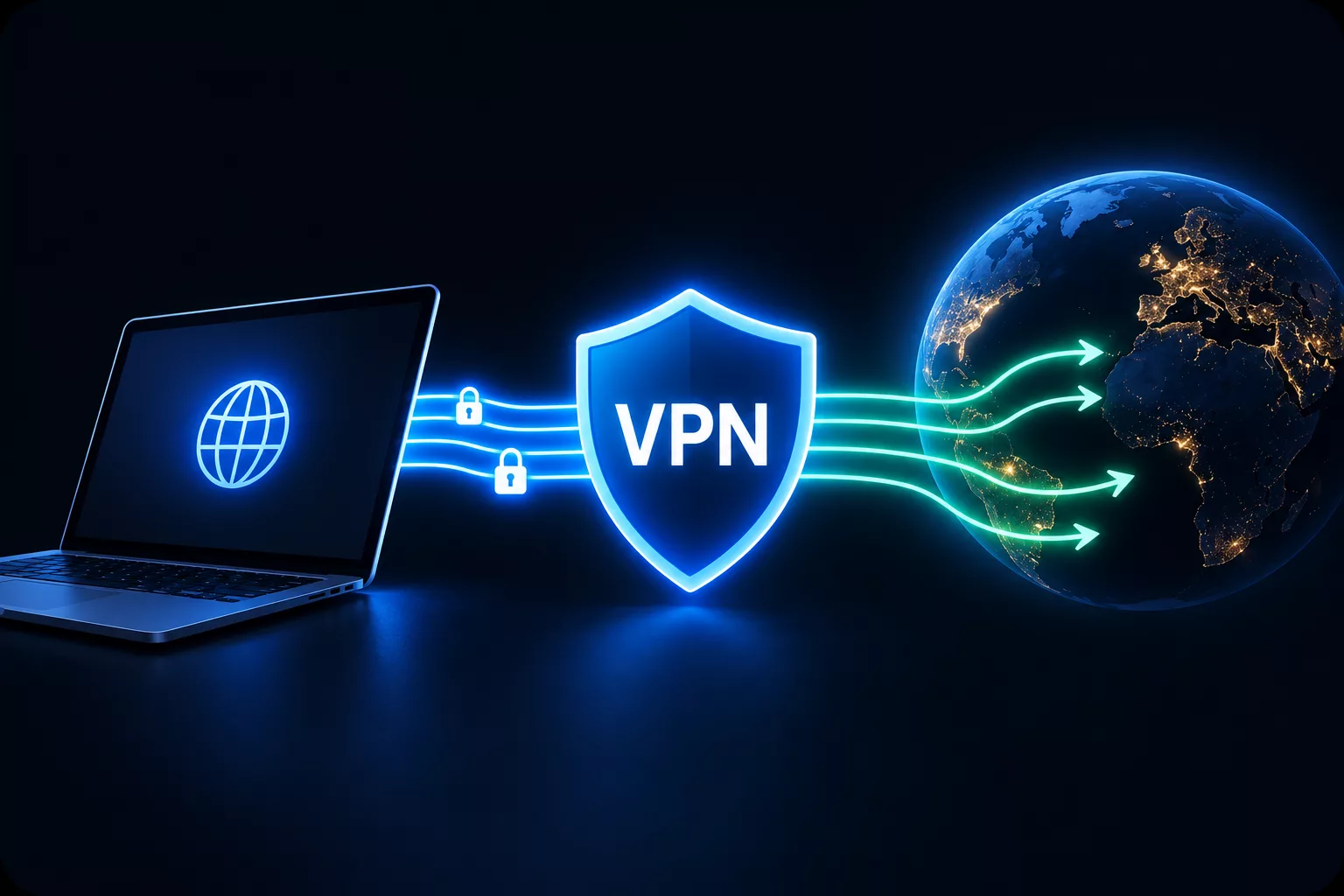
What Actually Happens When You Connect to a VPN?
Excerpt:
A VPN does not make you invisible online. It creates an encrypted tunnel between your device and a VPN server, hides your IP address from websites, and shifts trust from your ISP to the VPN provider. Here is what changes — and what does not.
A VPN is often marketed as a single button that makes you “anonymous,” “unhackable,” or “completely private.” None of those claims is quite right.
A virtual private network does something more specific: it routes your internet traffic through an encrypted tunnel to another server. That changes who can see parts of your connection, which IP address websites observe, and where your network traffic appears to come from. It does not erase your digital identity or protect you from every form of tracking.
The normal connection
Without a VPN, your device communicates through your internet service provider (ISP), mobile network, or local Wi-Fi router.
When you visit a website, several things happen:
- Your device asks a DNS resolver to translate a domain name, such as
example.com, into an IP address. - Your device sends a request to that IP address.
- Your ISP or local network can observe that you are connecting to that destination.
- The destination website sees your public IP address.
Your public IP address does not reveal your home address by itself, but it can indicate an approximate location and can be used to correlate activity across services.
With HTTPS, the contents of most modern web traffic are encrypted between your browser and the website. However, HTTPS does not hide the fact that you connected to a particular site, and it does not change your IP address.
What a VPN changes
When you connect to a VPN, your device first establishes an encrypted connection to a VPN server. Your traffic is then forwarded from that server to its final destination.
The simplified flow looks like this:
Your device → encrypted VPN tunnel → VPN server → website
From the website’s perspective, the request appears to come from the VPN server’s IP address, not yours. From your ISP’s perspective, it sees an encrypted connection to the VPN server rather than the individual destinations you visit.
That produces three practical effects:
- Your real IP address is hidden from the websites you visit.
- Your ISP and local network operator cannot easily see which sites you access.
- Websites see the approximate location of the VPN server rather than your own.
The encrypted tunnel
The phrase “encrypted tunnel” sounds abstract, but it describes a concrete networking process.
Your device takes the data it wants to send, encrypts it, and places it inside new network packets addressed to the VPN server. This process is called encapsulation. The VPN server receives the packets, removes the outer layer, decrypts the contents, and forwards the original request to its destination.
In simplified form:
\text{Original packet} \rightarrow \text{Encrypt} \rightarrow \text{Encapsulate} \rightarrow \text{VPN packet}
The important consequence is that an observer between your device and the VPN server — such as someone operating the same café Wi-Fi network — should see only encrypted VPN traffic, not the individual sites and services you are using.
Modern consumer VPNs commonly use protocols such as OpenVPN or WireGuard. A VPN using weak or obsolete encryption, such as PPTP, may offer far less meaningful protection.
What your ISP can and cannot see
With a VPN active, your ISP can usually still see:
- That you are connected to a VPN server.
- The VPN server’s IP address.
- The approximate timing and volume of your traffic.
- The fact that encrypted data is flowing through the tunnel.
But it should not be able to see:
- The individual websites you request through the tunnel.
- The contents of unencrypted traffic passing through the VPN.
- Your original destination IP addresses for traffic routed through the VPN.
This is a meaningful privacy improvement against local network surveillance and ISP-level visibility. It is not the same as anonymity.
What websites can and cannot see
A website normally sees the IP address of the VPN server rather than your real one. It may therefore infer that you are located near the VPN server, even if you are somewhere else.
But a VPN does not make you anonymous to the website.
If you log into an account, the site knows who you are. If you accept cookies, your browser may retain identifiers. If a page contains tracking pixels, advertising scripts, or fingerprinting techniques, those systems can still attempt to recognise your device or browser.
A VPN changes the network path. It does not automatically change:
- Your logged-in identity.
- Cookies and local storage.
- Browser fingerprint.
- Device identifiers.
- GPS location on a phone.
- Payment details.
- Behavioural patterns.
The trust shift
This is the part most VPN advertisements omit: a VPN does not remove the need to trust someone. It changes who you trust.
Without a VPN, your ISP can observe that you are connecting to particular destinations. With a VPN, your VPN provider occupies a similar position: it can see the traffic leaving its servers and may know your real IP address, connection times, and traffic volume.
A commercial VPN provider may also be subject to legal requests, and its logging practices matter enormously.
So the relevant question is not simply “Do you use a VPN?” It is:
Do you trust the VPN provider more than the network or ISP you are trying to avoid?
Does a VPN protect you on public Wi-Fi?
Sometimes, but less dramatically than it used to.
A VPN can protect unencrypted traffic from other users on the same local network. That remains useful on networks you do not control, especially if a device or service still sends unencrypted data.
However, most web traffic today uses HTTPS, which already encrypts the content of communication between your browser and the website. HTTPS does not hide your IP address or your connection metadata, but it substantially reduces the risk that someone on the same Wi-Fi network can read the pages you view.
A VPN is therefore best understood as one privacy and networking tool — not a universal shield.
What a VPN does not do
A VPN does not:
- Make you anonymous online.
- Prevent websites from tracking you through accounts, cookies, fingerprinting, or mobile identifiers.
- Remove malware or stop you from entering passwords on a phishing site.
- Encrypt data stored on your device.
- Prevent a compromised app from collecting information directly.
- Protect you if the VPN provider logs or misuses your data.
- Guarantee that all traffic stays inside the tunnel in every network configuration.
The last point deserves emphasis. Some local-network attacks can attempt to influence routing behaviour and cause traffic to bypass a VPN. Such attacks do not necessarily break the VPN connection itself; they can expose unencrypted traffic by routing it outside the protected path.
When a VPN is useful
A VPN can be genuinely valuable when you want to:
- Hide your IP address from websites and services.
- Reduce what your ISP or local network can observe about your destinations.
- Route your connection through another region.
- Protect unencrypted traffic on an untrusted network.
- Access a private corporate network remotely.
It is less useful when your main concern is advertising tracking, account-based profiling, malware, or phishing. Those problems require different defences: privacy-focused browser settings, tracker blocking, strong unique passwords, multi-factor authentication, software updates, and healthy scepticism toward unexpected links.
The essential idea
A VPN is a rerouting system with encryption. It moves the visible starting point of your connection from your device to a VPN server and hides much of your traffic from the network in between.
That can improve privacy. It can also create a new point of trust.
A VPN is not invisibility. It is a deliberate trade: you conceal some information from your ISP and the websites you visit, while giving a VPN provider a privileged position in your network path. Understanding that trade is more useful than believing in a privacy button.
Stay curious. Think critically. Question everything — including your own conclusions.